Money
See which markets paid off.
Connect Square and Vendorbound reads two years of your sales and lines them up with your events. It only reads: nothing in Square changes.
Your Square sales, lined up with the events you worked.
- 01
Sales by event
Money splits your Square sales into event days and other days, week by week, before tax and tips. See what you made at events, what an event day brings in next to any other selling day, and your average order.
- 02
Match your sales
Money asks about each selling day no confirmed event explains, one at a time, with the markets near you that ran that day. Pick the one you worked and save: it goes on your calendar as Confirmed. A private job or a day at your shop is remembered, so it isn’t asked again.
- 03
Good selling days that aren’t on your calendar
Money lists the best days you sold with no confirmed event on your calendar, each with its orders and sales, so you can match a market you never added and see it counted.
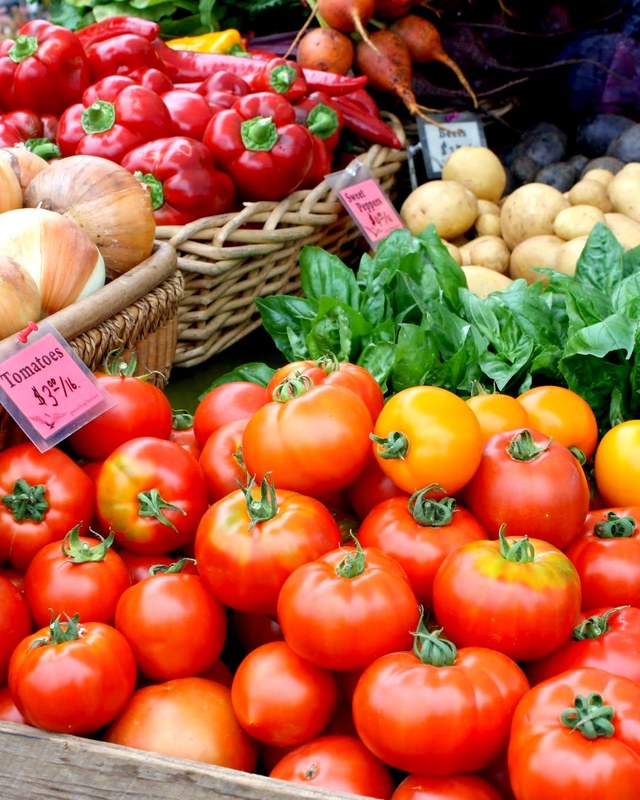
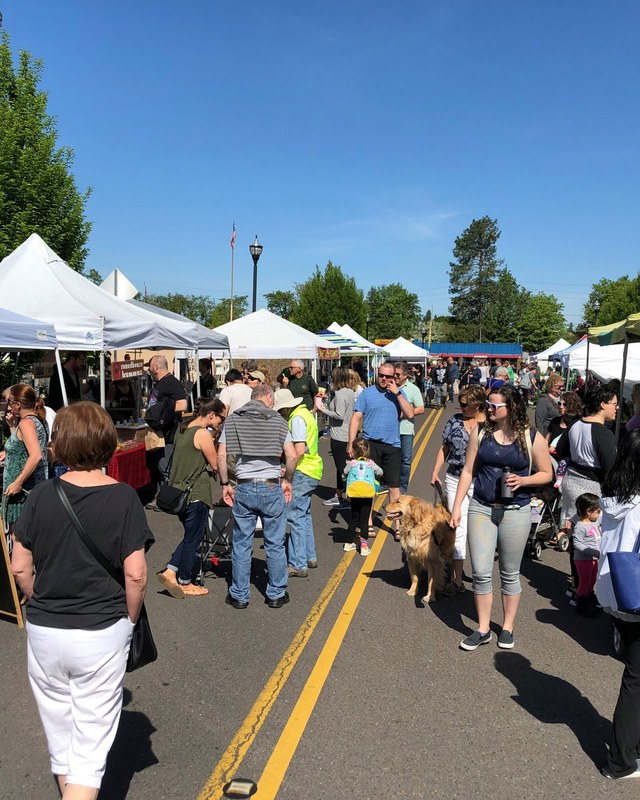
Connect Square, and each market on your calendar shows what you sold there.
Money
Connect Square, and Money reads your last two years of sales. Nothing in Square changes.
Money
Money adds up each market’s dates: Rocky Butte Farmers Market made $22,232 over 16 Saturdays.
Calendar
On your calendar, Rocky Butte’s Oct 31 shows what you made there last time: $1,518 on Oct 10.
More on the calendar
Also in Vendorbound:More on finding eventsMore on applicationsMore on websites
Questions about Money
Do I need Square?
Yes, for sales by event. Vendorbound reads your Square orders and changes nothing in Square.
Does it handle my bookkeeping?
No. It shows sales by event. It doesn’t track expenses or do your taxes.

Start with your business page
Paste your Instagram, Facebook or website and Vendorbound sets up your business, then shows the events that fit.